
Brand kit
Logos and screens to share with your clients
Letting your clients know they can book with you online? Use the Furbello logo and real booking screens on your website, in social posts, and in Canva.
Free for Furbello shops to use on websites, social posts, flyers, and messages to clients.
Logos
PNG files have a transparent background. SVG files stay sharp at any size. Using Canva? Upload a PNG: 1024 for social posts, 2048 for print and banners.















What your clients see
Real Furbello screens, taken on a phone at our demo shop. Your pages show your own shop name, services, prices, and colors. Names, pets, and dates here are samples.
Booking online
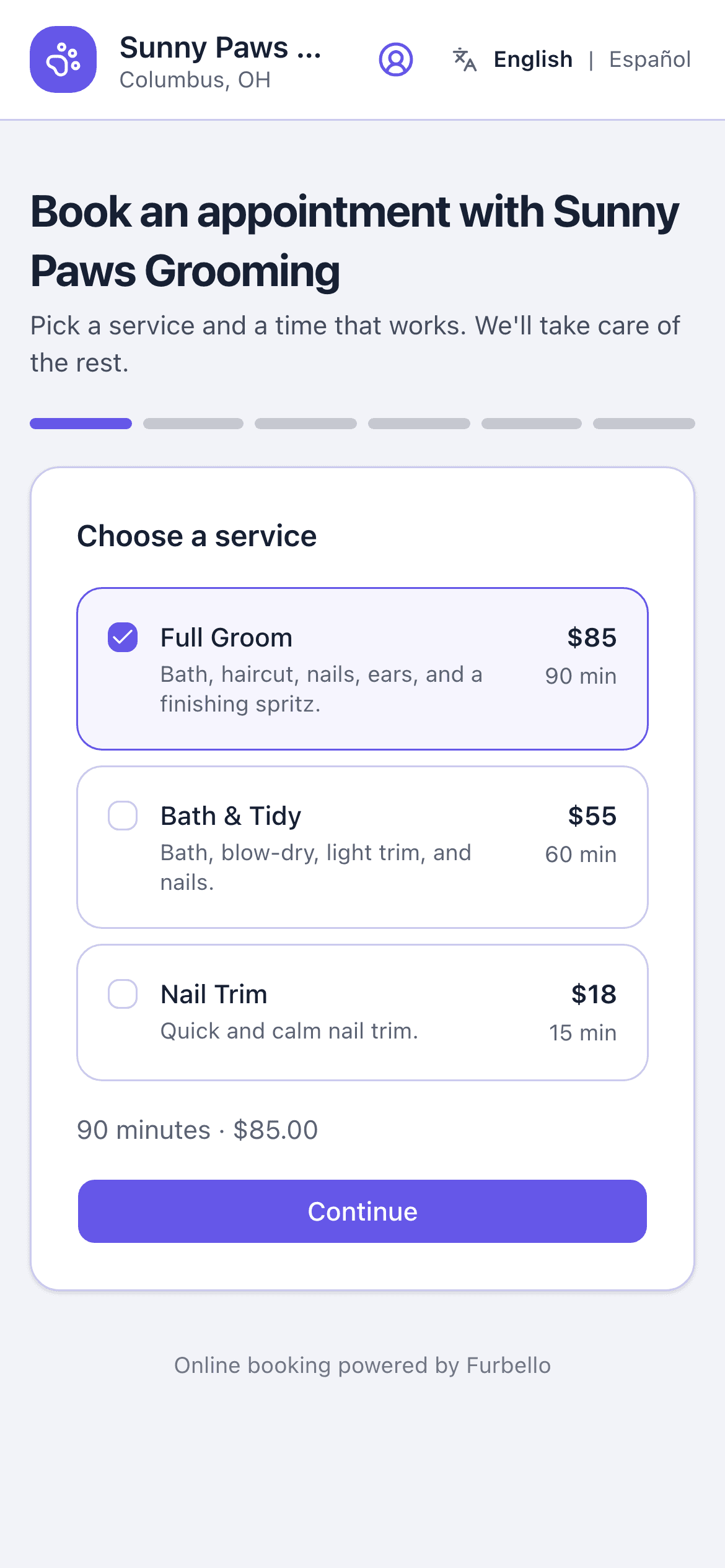
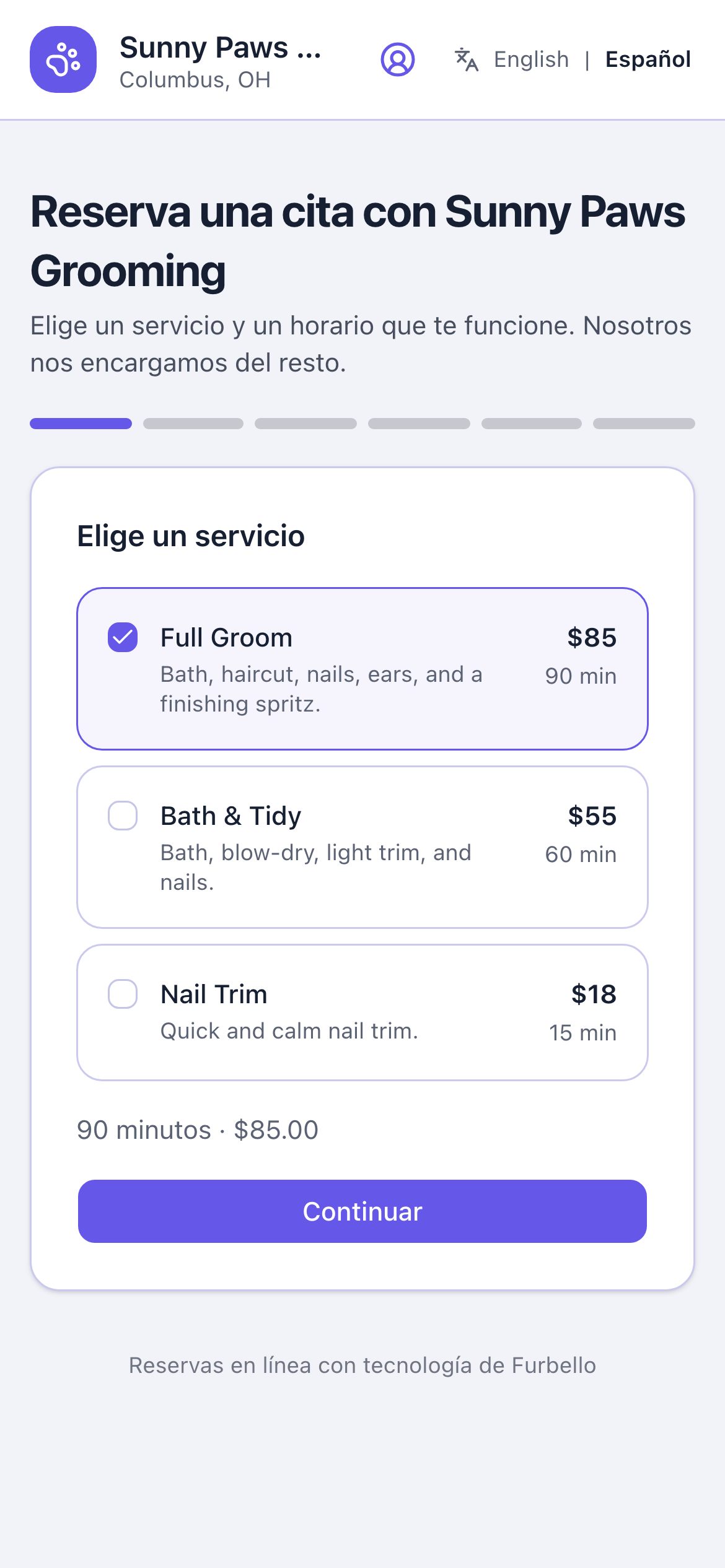
Booking page: services
Clients pick a service and see your prices up front.
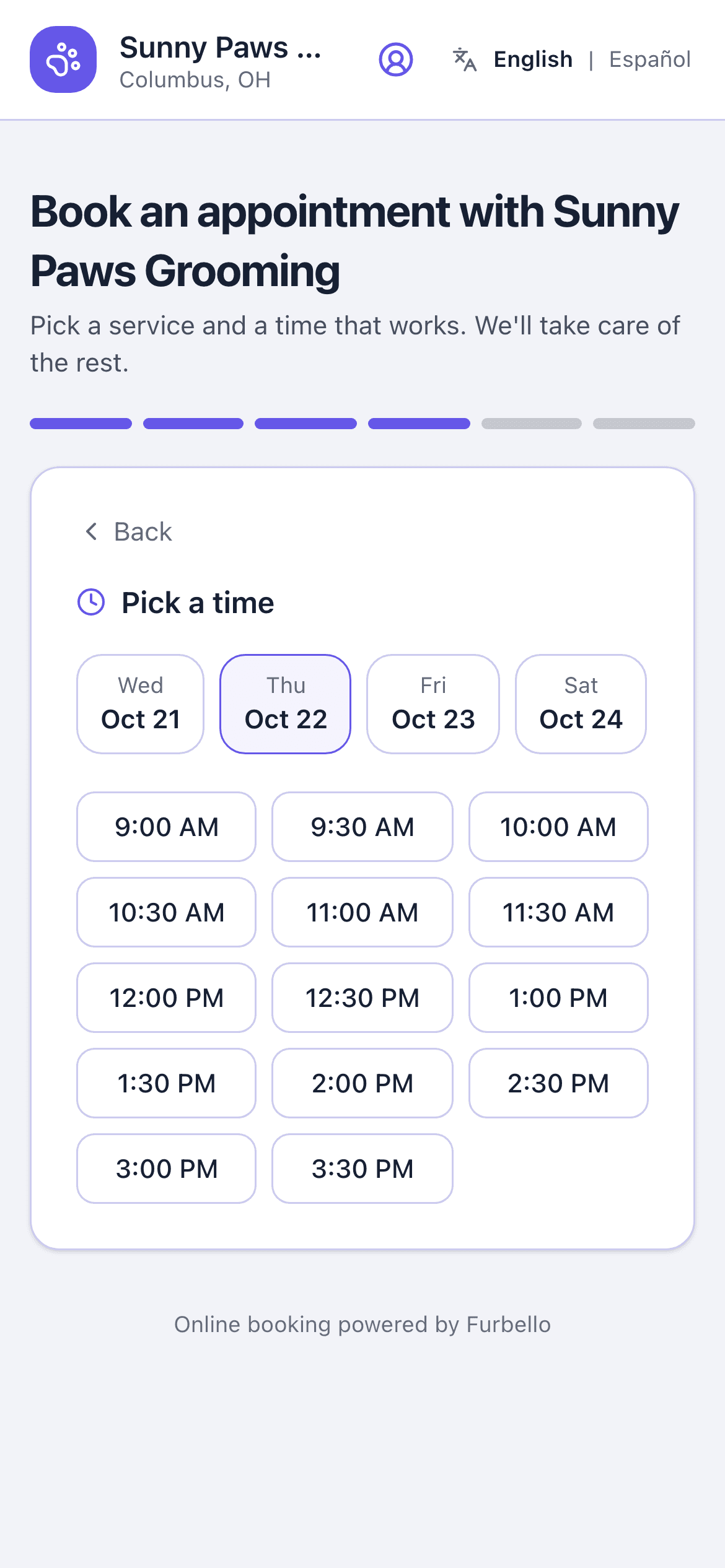
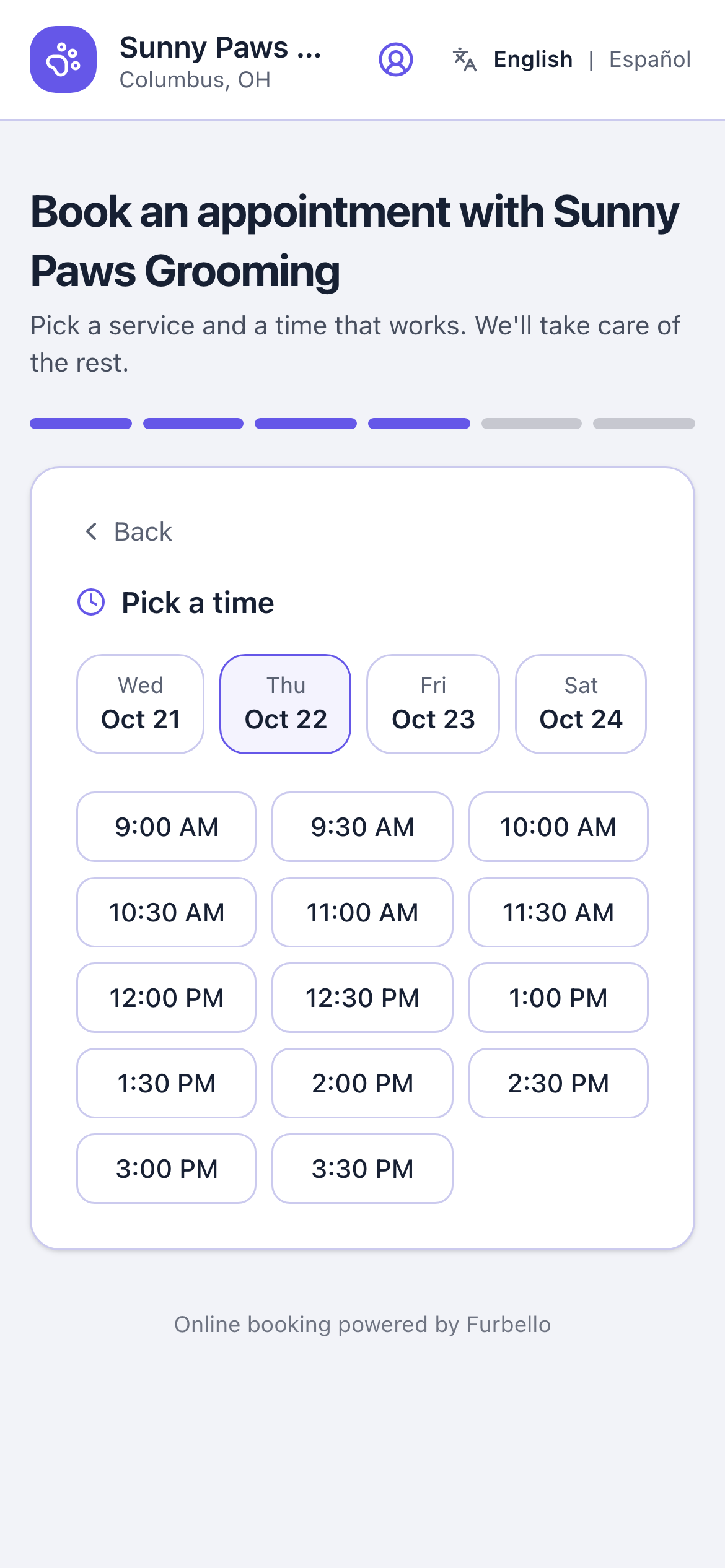
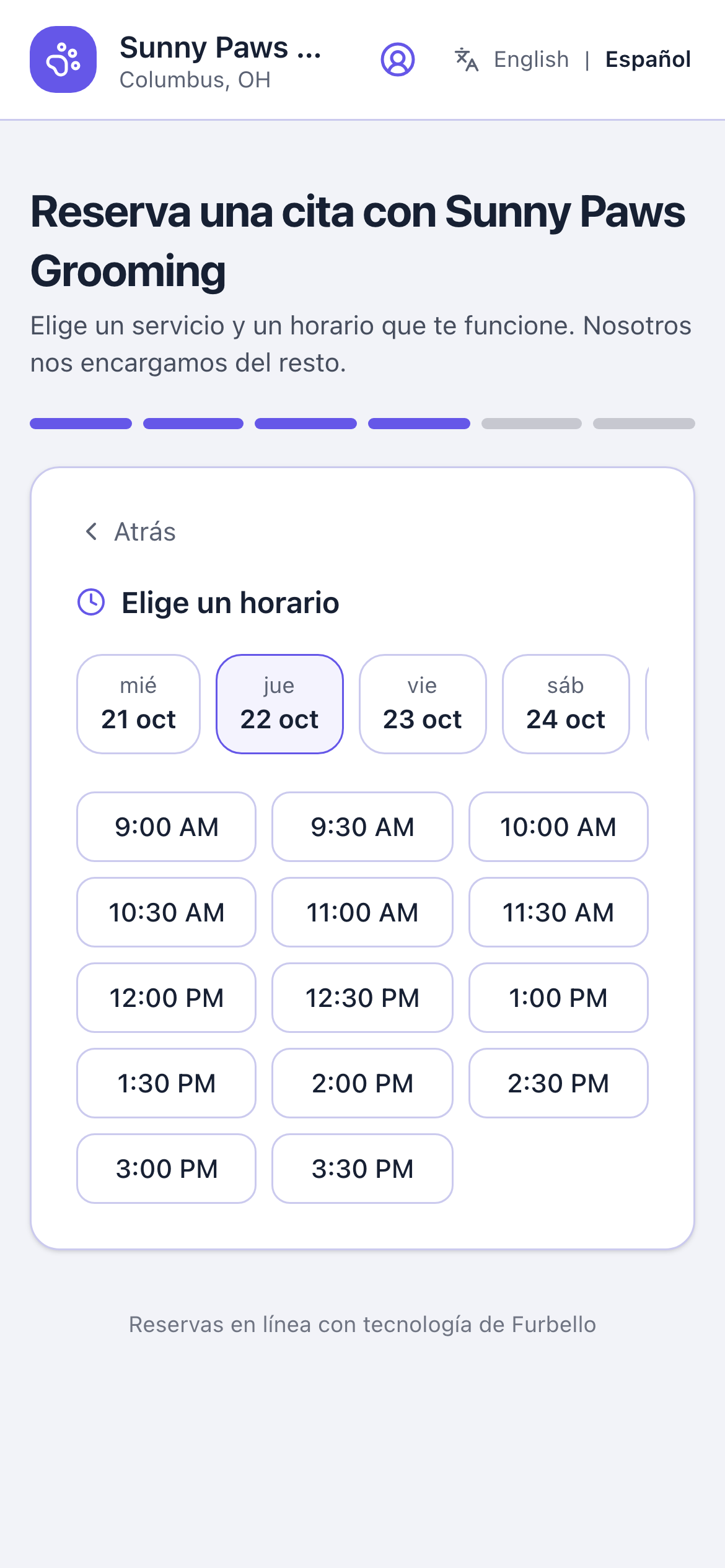
Booking page: pick a time
Only open times show, based on your hours and your team's schedule.
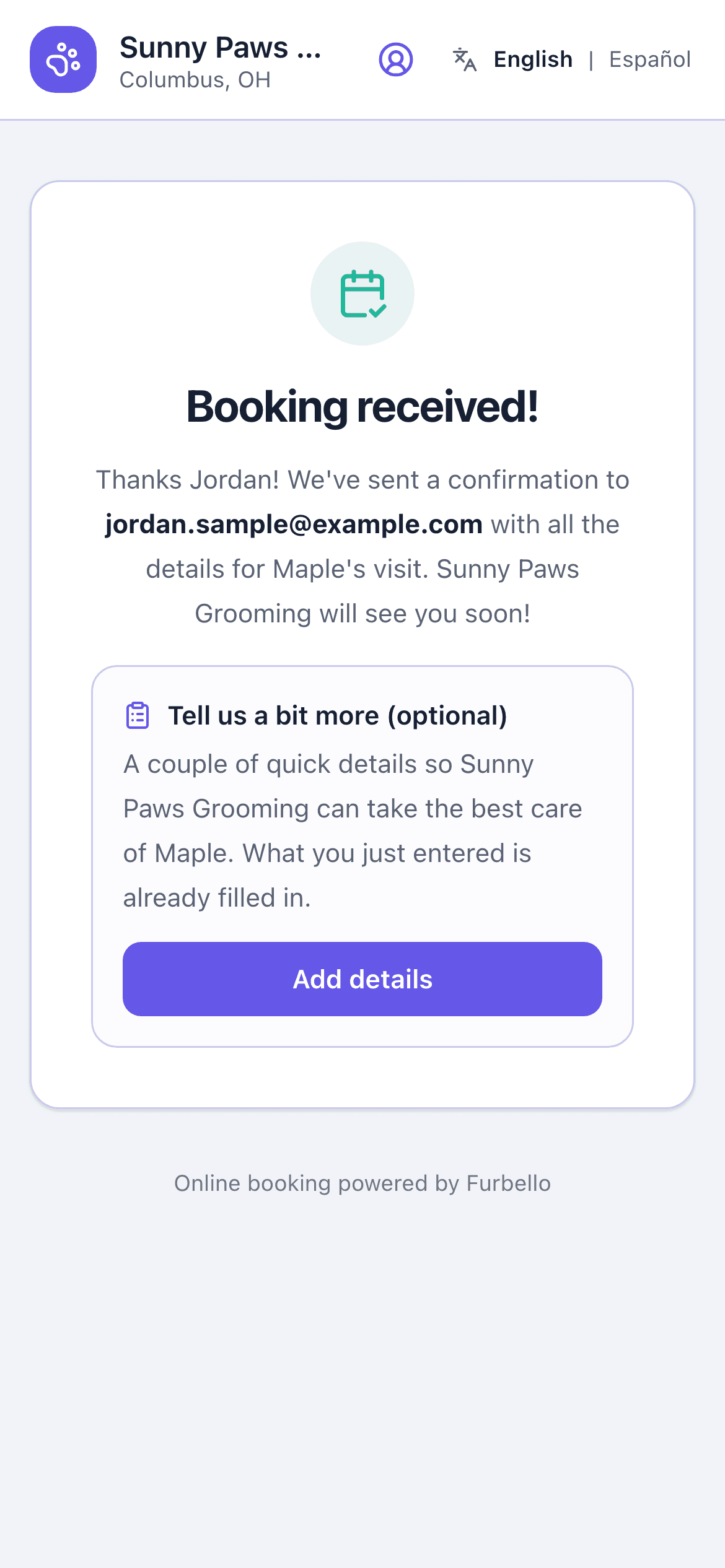
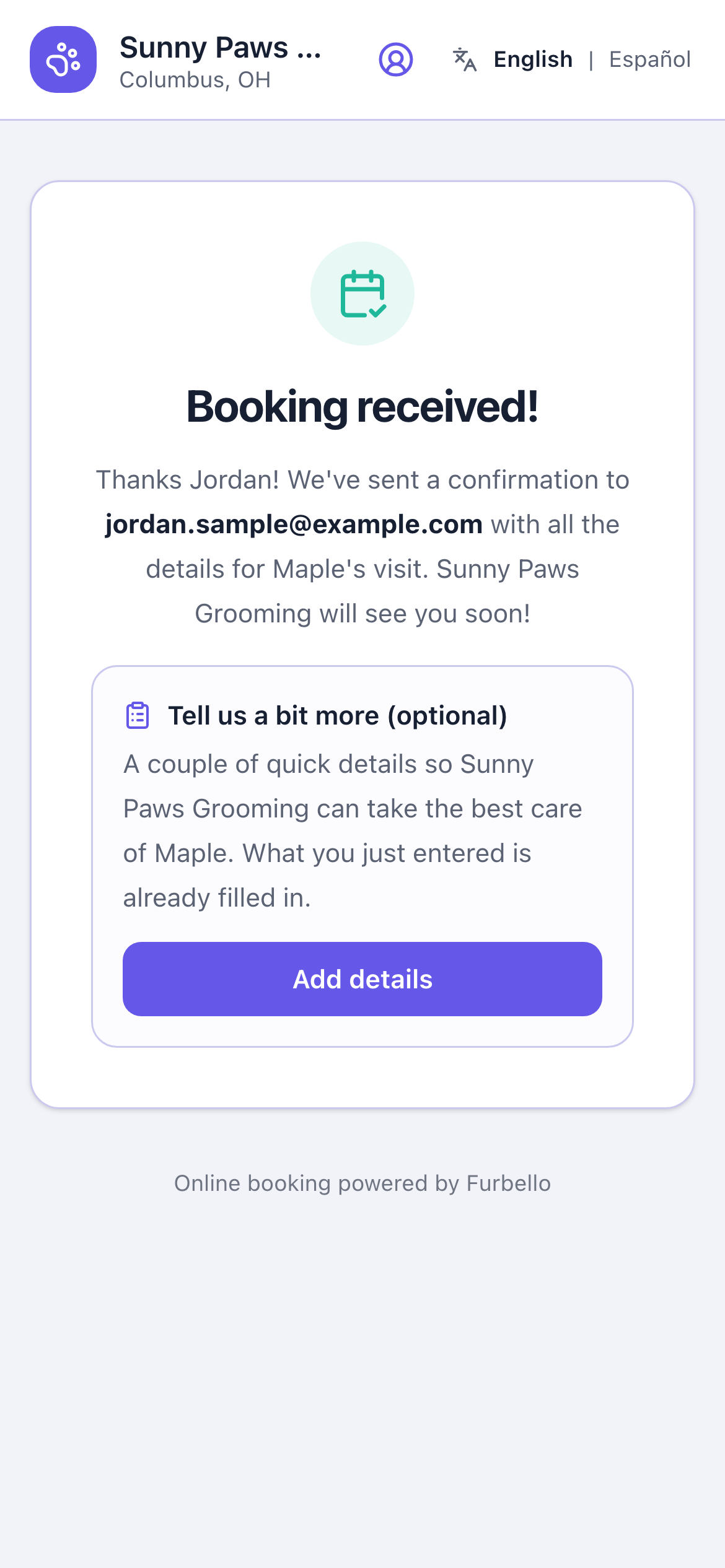
Booking received
Right after booking, with the confirmation on its way to the client.
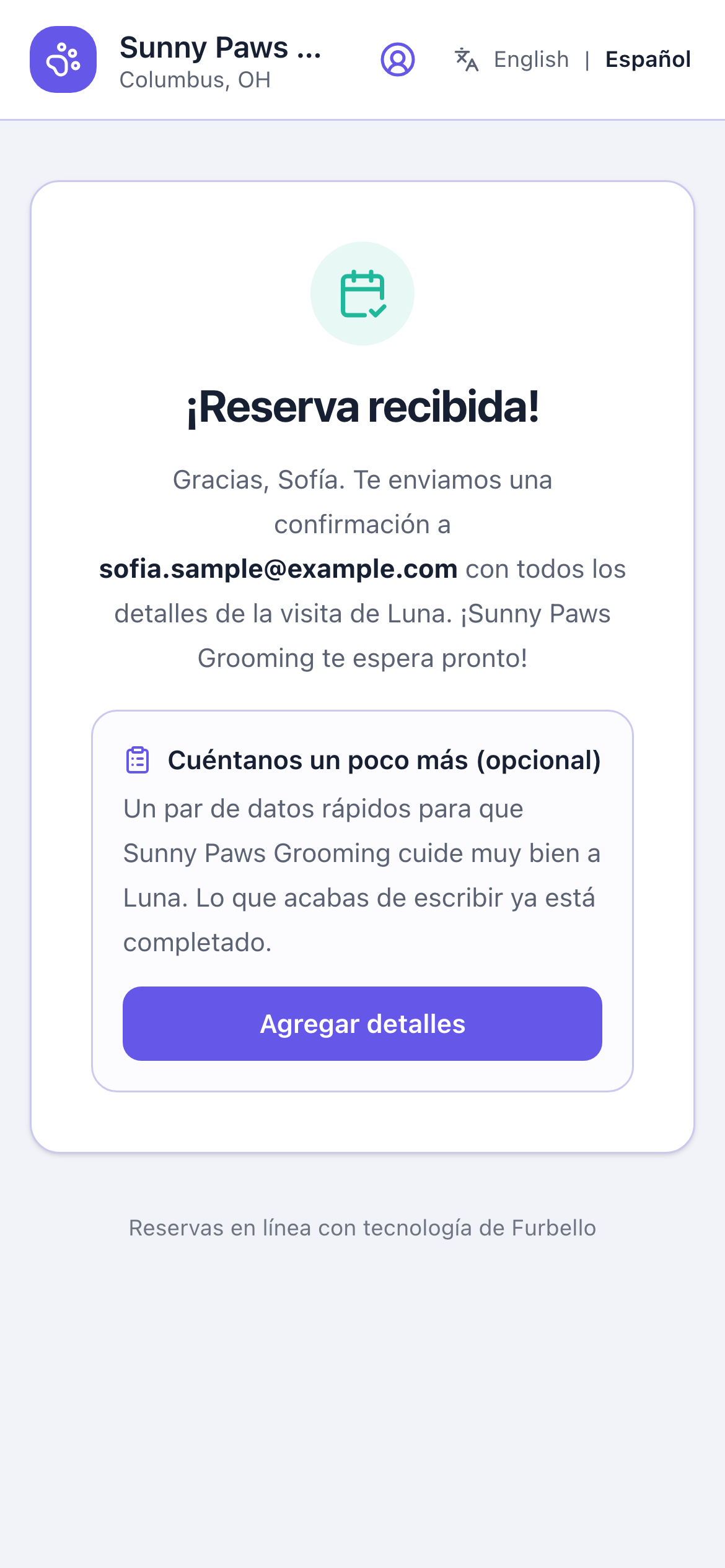
After they book
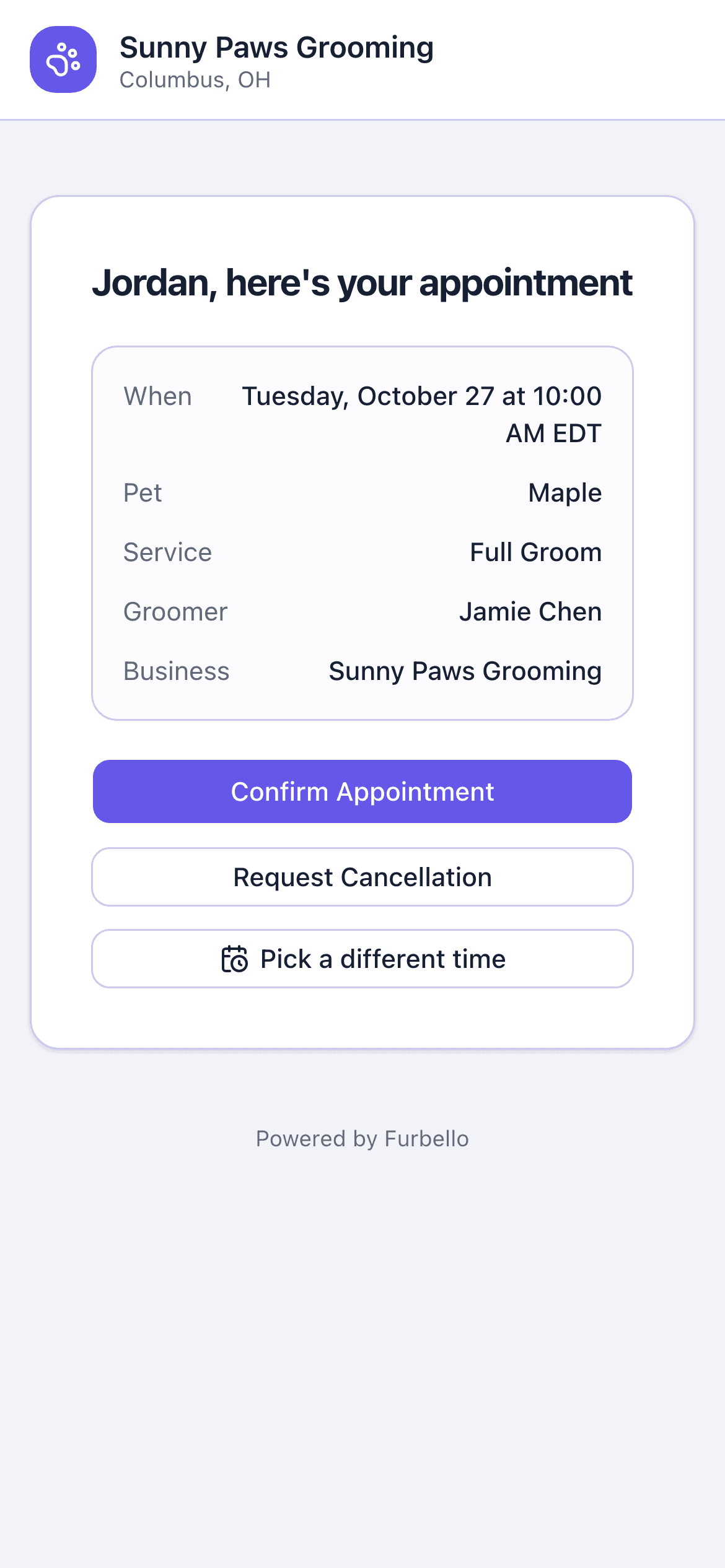
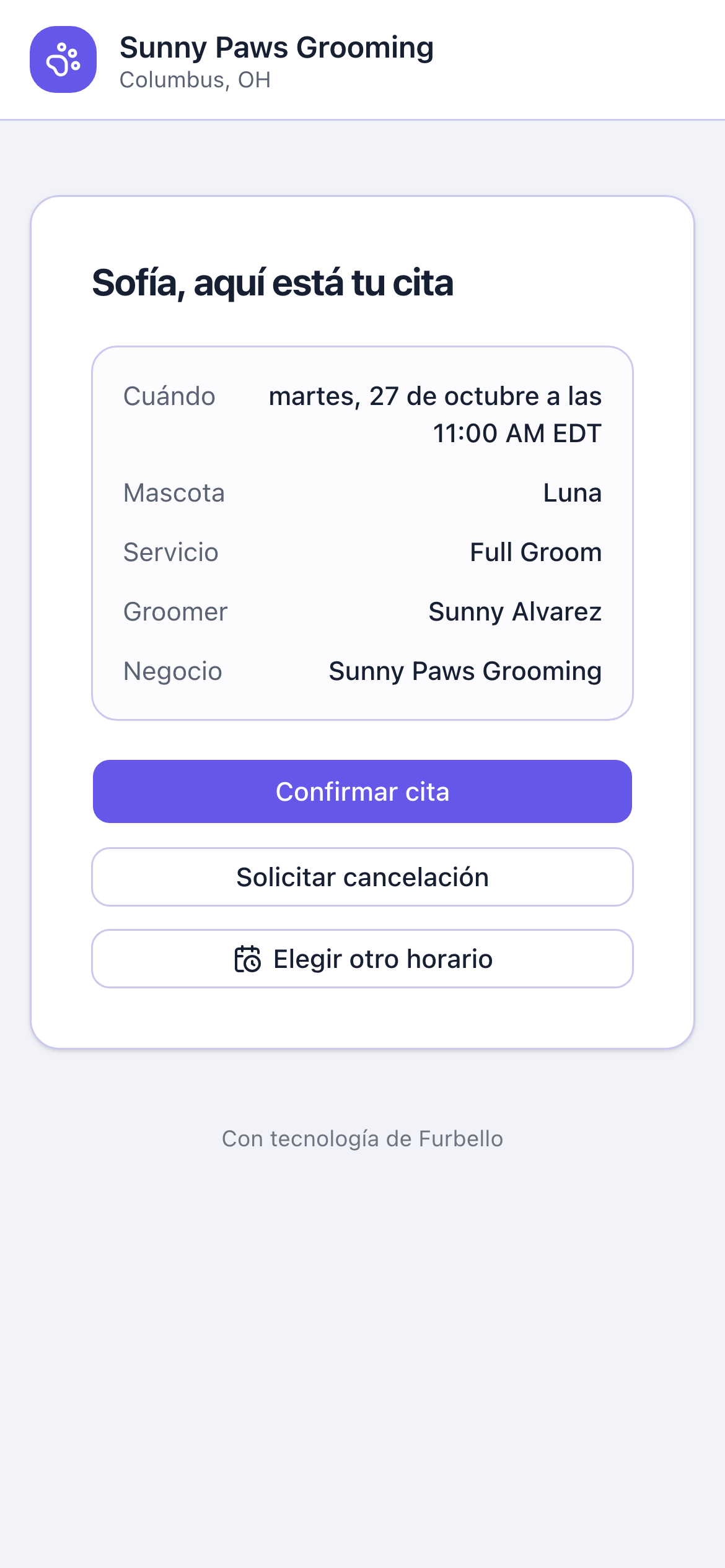
Their appointment link
Confirmations and reminders link here. Clients can confirm or ask to cancel, and move the visit themselves if your settings allow it.
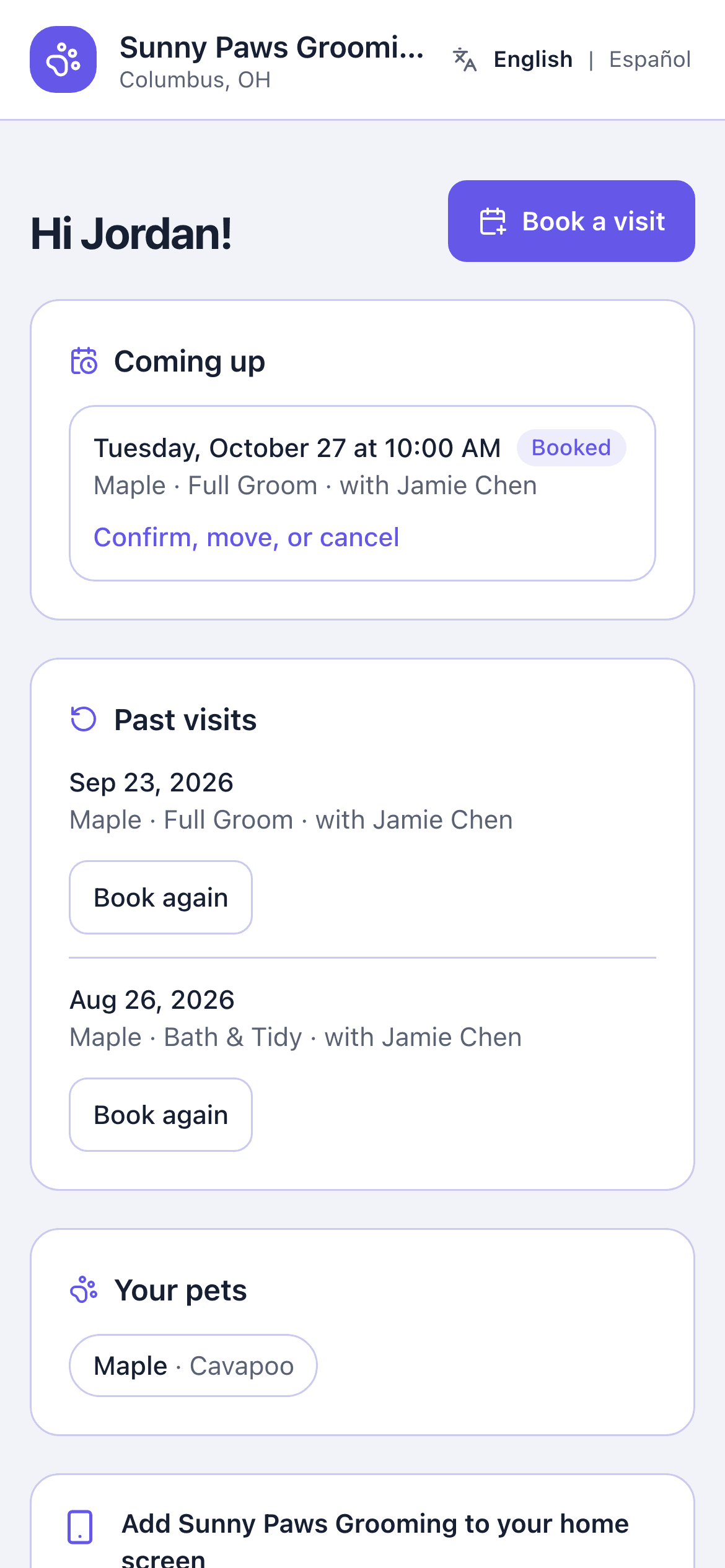
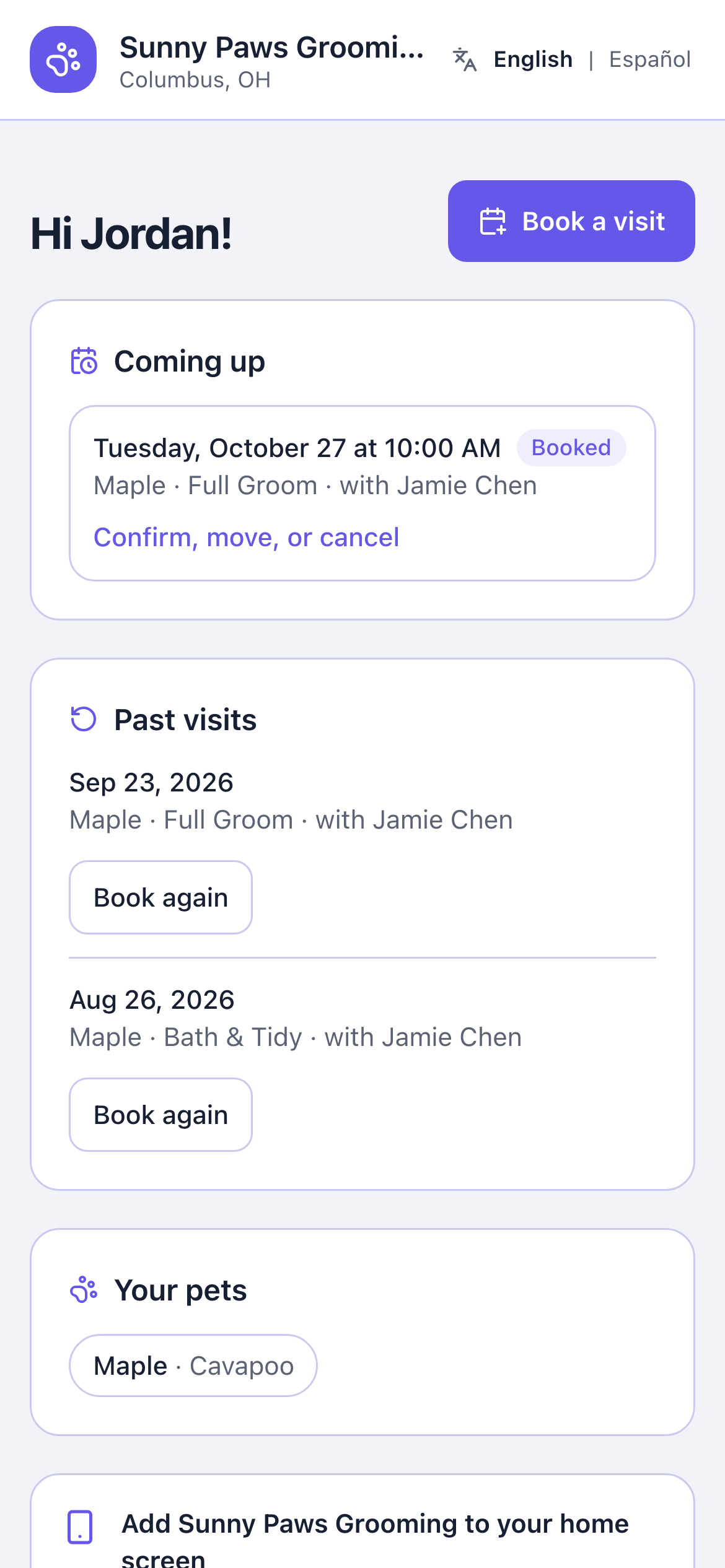
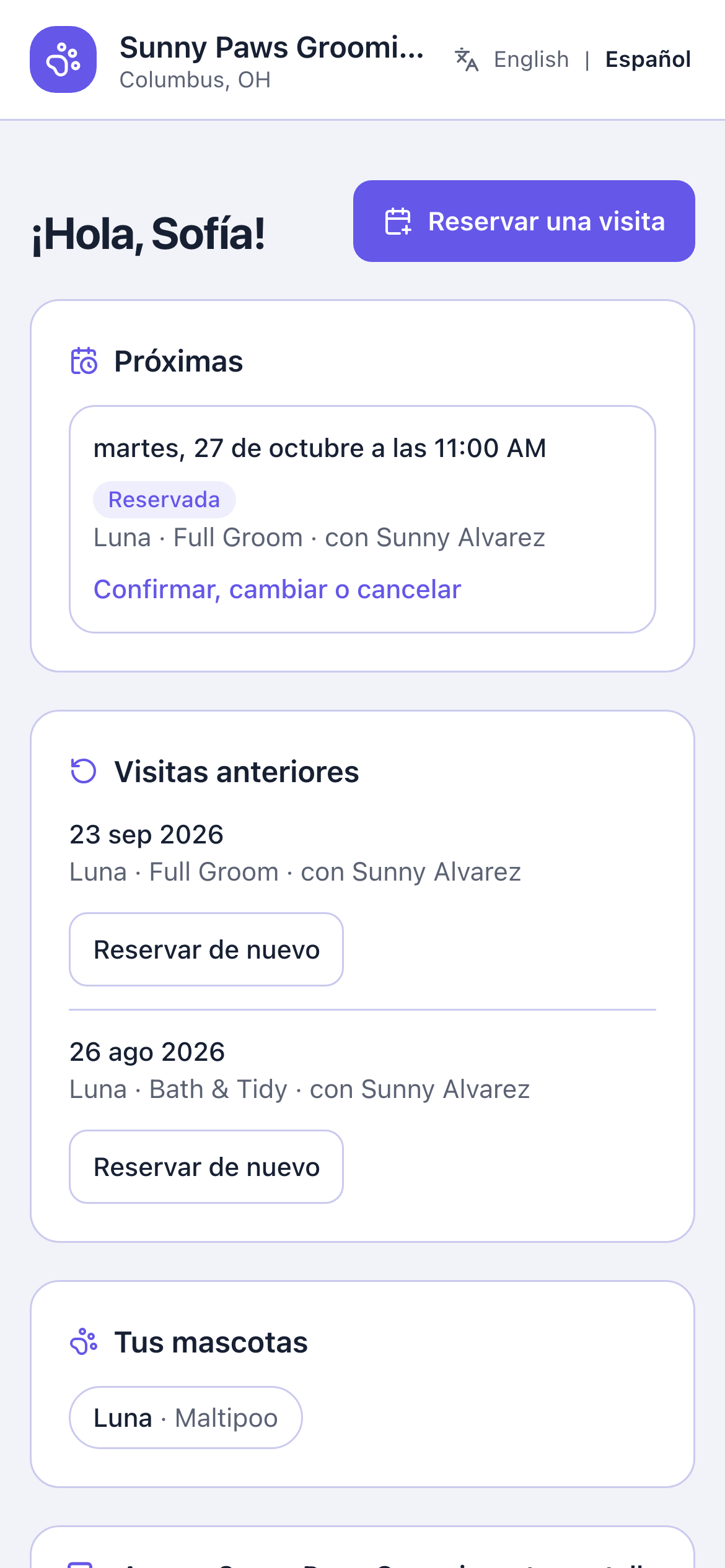
My visits
Returning clients see upcoming and past visits and can book again.
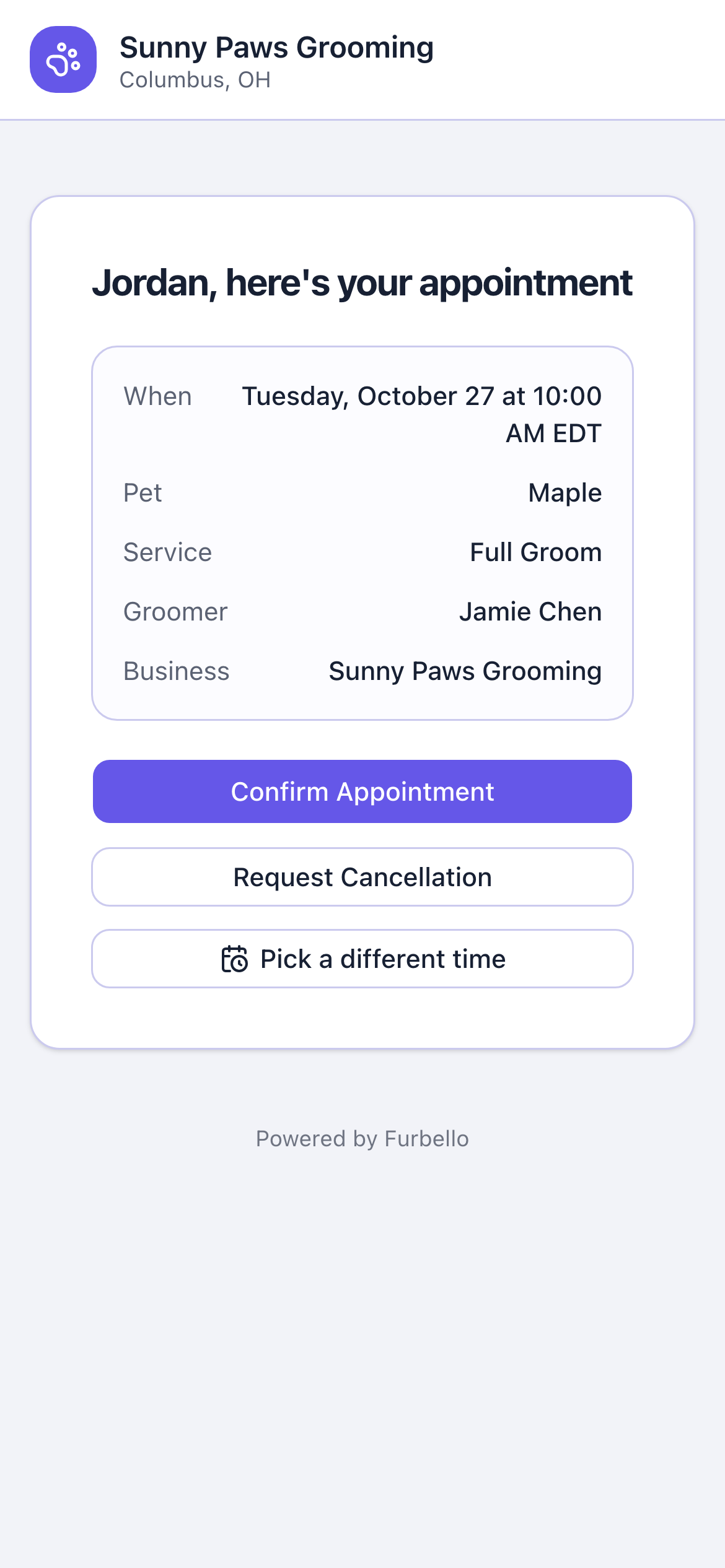
Text messages
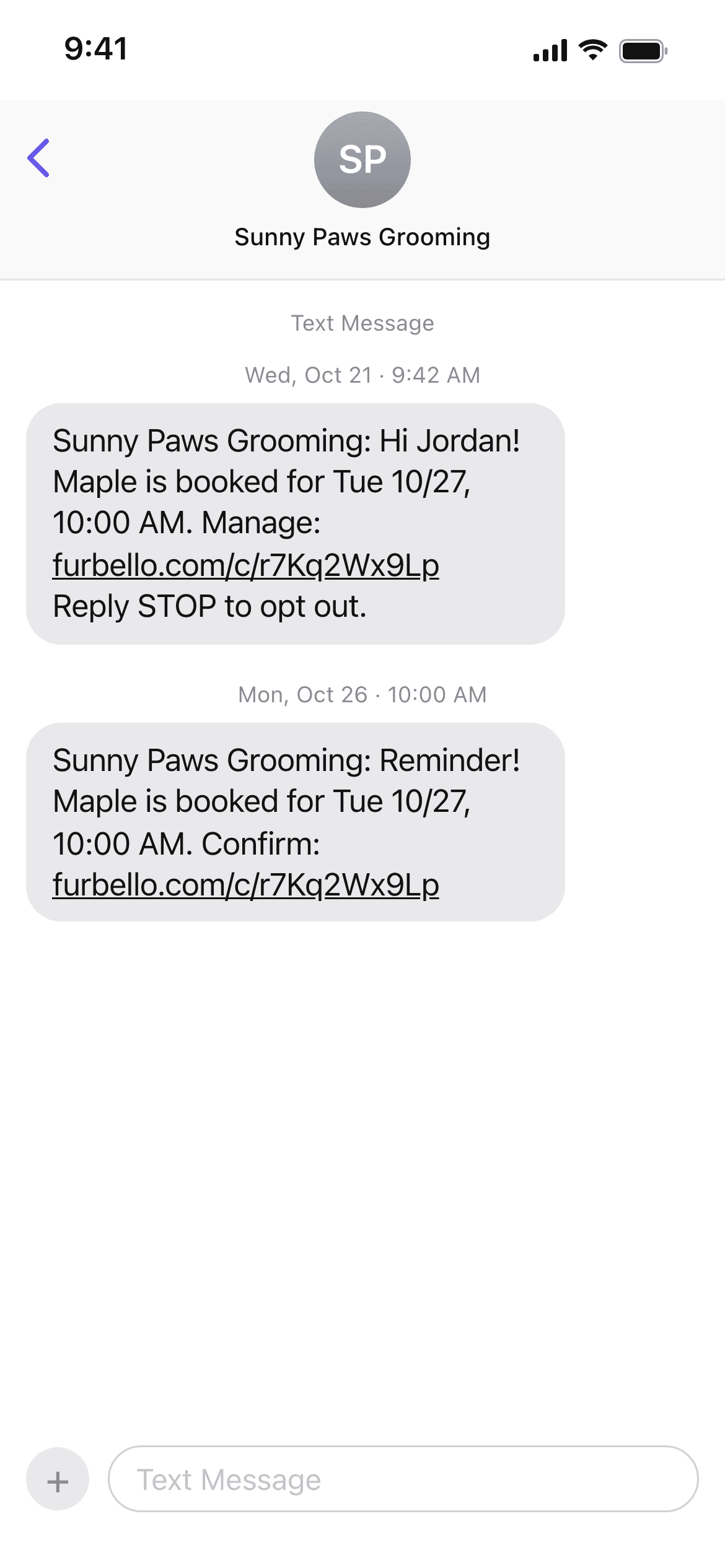
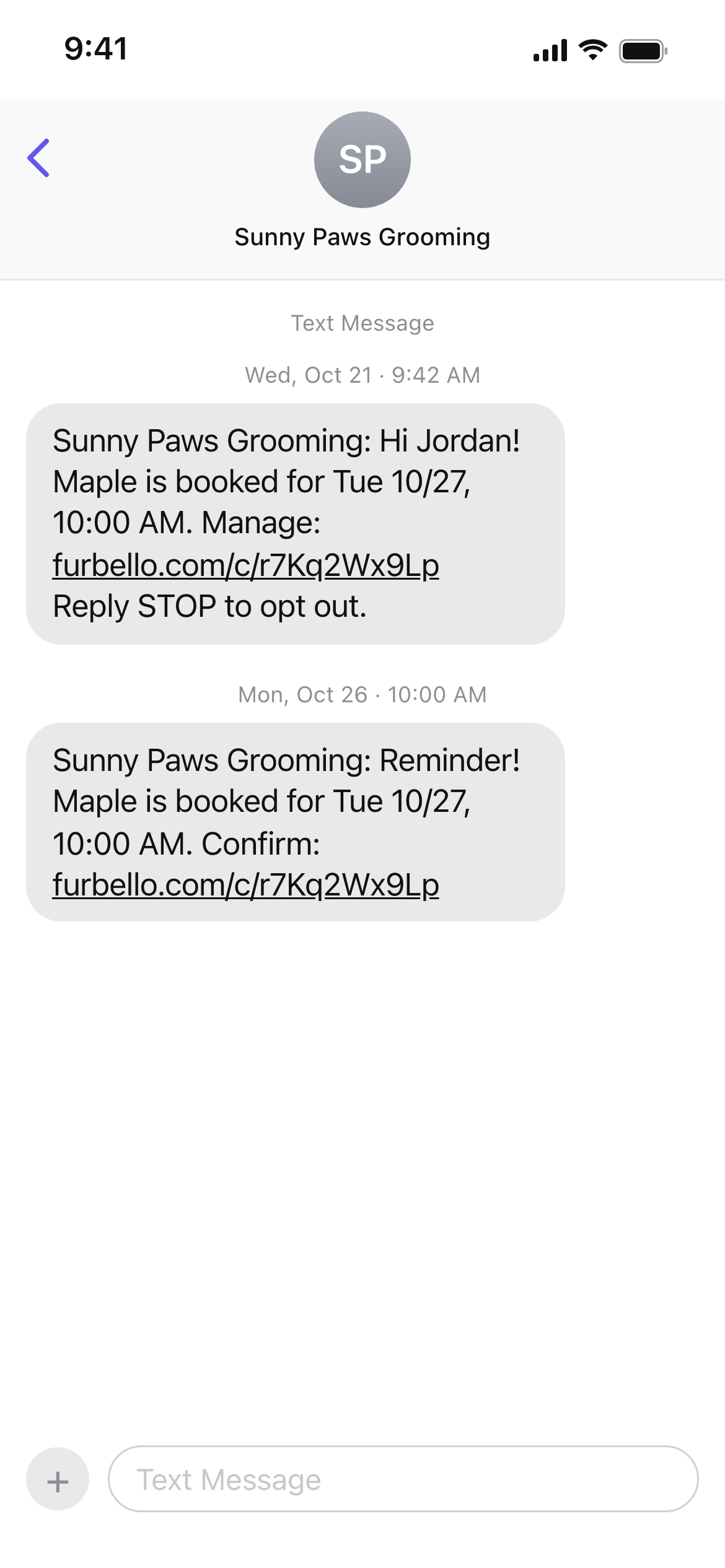
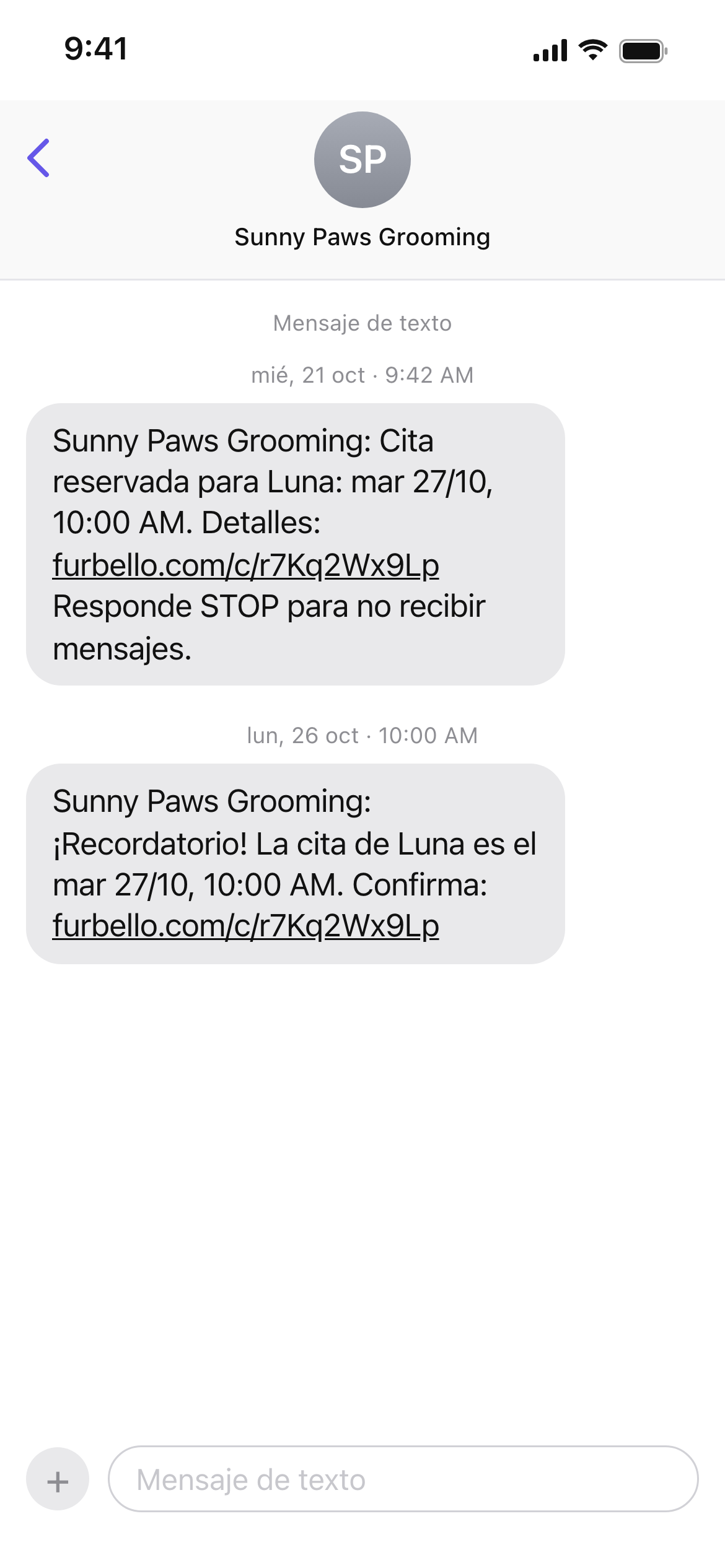
Booking and reminder texts
The booking text and a reminder in Furbello's standard wording, sent to clients who agreed to get texts.
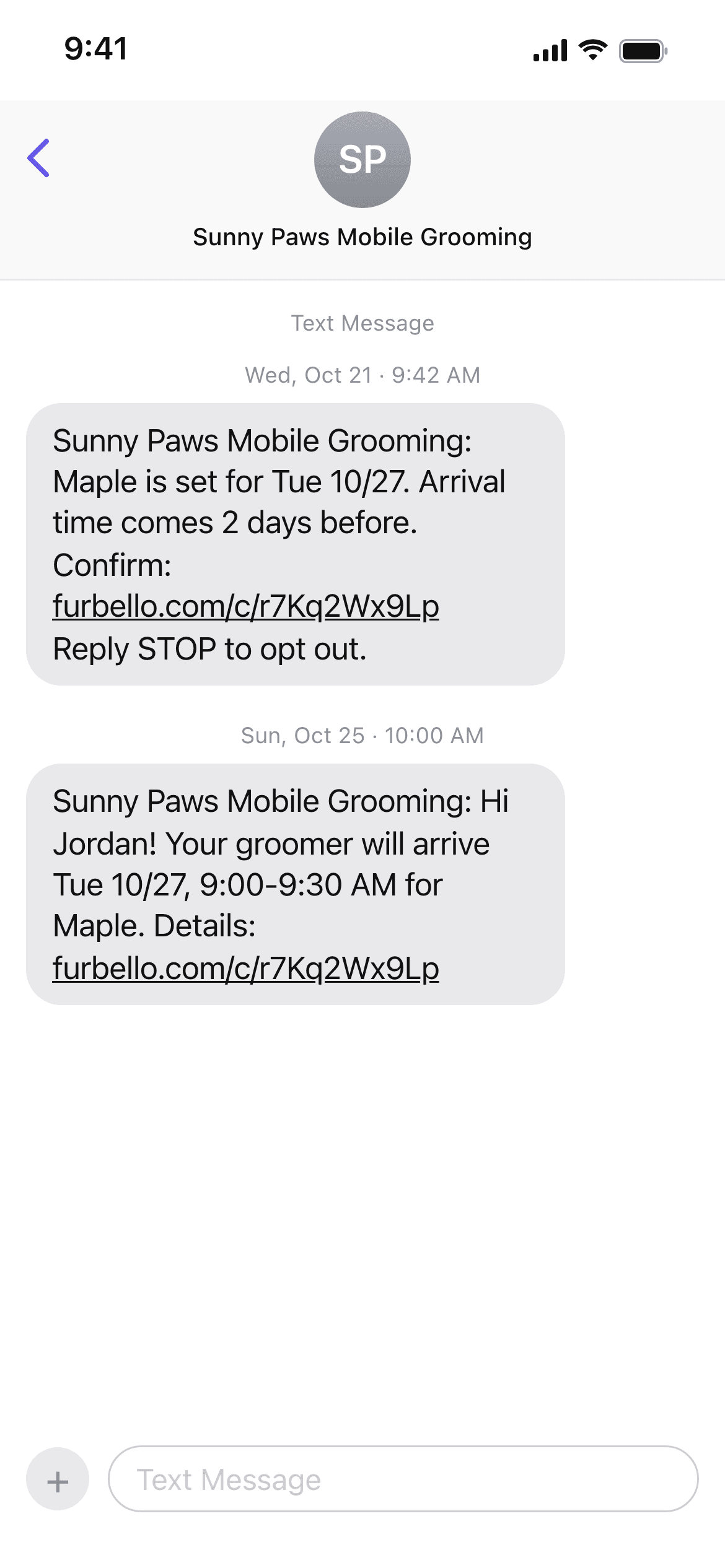
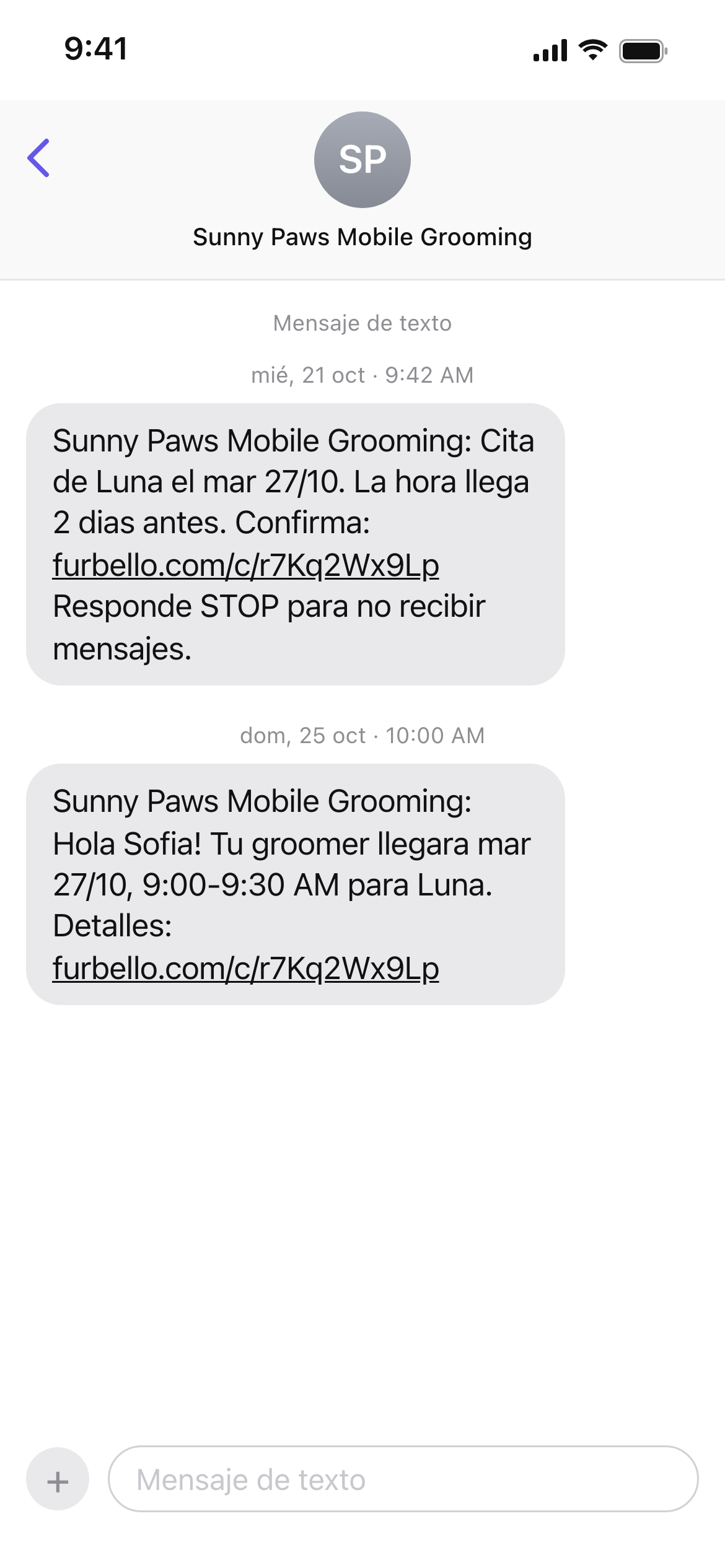
Arrival time text
For mobile groomers who send the time later: the visit date first, then the arrival time a few days before.
Colors
Click a color to copy its hex code, then paste it into Canva to match.
Using the logo
A few simple rules keep it looking right.
Do
- Leave clear space around the logo, at least half the height of the icon.
- Use the white logo on dark colors and busy photos.
- Write the name as Furbello, with a capital F.
Don't
- Stretch, squeeze, rotate, or crop the logo.
- Recolor it or add shadows, outlines, glows, or other effects.
- Crowd it with text or other logos, or set it on a busy background.
Need another size or format?
Tell us what you are making and we will send you the right file.