
October 16, 2026
How to Connect Your Own Domain to Your Furbello Website
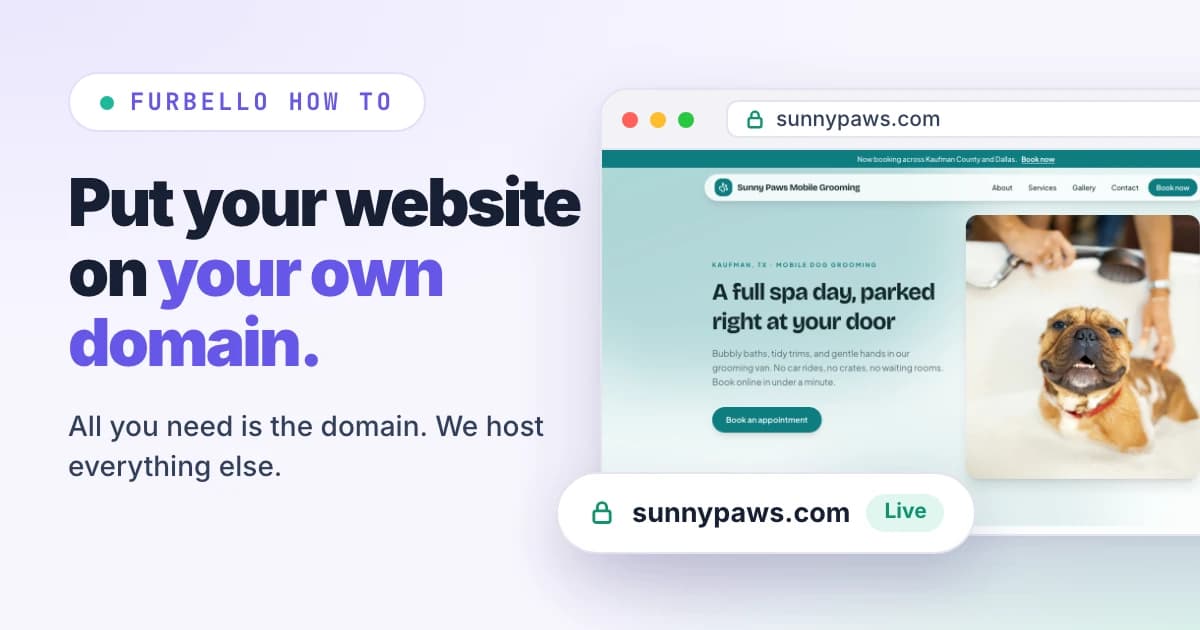
Your Furbello website already has its own address, like yourshop.furbello.com. If you own a domain like yourshop.com, you can put your website there instead. It takes about ten minutes of clicks, then a short wait while the internet catches up.
Want to see what a finished Furbello website looks like first? Take a look at our example shop, Sunny Paws Mobile Grooming. Every page was built in the Furbello website builder.
All you need is the domain
This is the part people worry about most, so here it is plainly: the only thing you need is the domain itself. Furbello hosts your website for you. We keep it online, keep it fast, and add the secure https lock at no extra cost.

When you buy a domain, the checkout page will try to sell you extras. For your Furbello website, you can skip every one of them:
Web hosting. Not needed. We host your website.
A website builder or website plan. Not needed. You build your website in Furbello.
An SSL certificate. Not needed. We add the secure lock for you.
Email or other add ons. Your website doesn't need them. Get them only if you want them for something else.
Already own a domain? Then you have everything you need. Keep it where it is. There's nothing to move or transfer.
Which plans include it
Your own domain is included on the Studio and Growth plans. If you're on another plan, pick Studio or Growth in Furbello first, then follow the steps below.
What you need
A domain you bought, like yourshop.com. Furbello doesn't sell domains, so any provider works.
The sign in for the account where you bought it.
About ten minutes.
Step 1: Type your domain in Furbello
In Furbello, open Website. Under Your own domain, type the domain you bought and press Connect. You can type yourshop.com or www.yourshop.com. Both work.

Step 2: Copy your records
Furbello now lists the exact records for your domain. Each name and value has a copy button next to it, so you never have to type them out.

A records (name @) send visitors to your website.
A CNAME record (name www) sends visitors who type www to your website.
A TXT record (name _furbello) proves the domain is yours.
The values in these pictures are only examples. Always copy the values shown on your own Website page in Furbello. Using an address like grooming.yourshop.com? Then you only need the CNAME record and the TXT record.
Step 3: Open your domain's DNS settings
Sign in where you bought the domain and look for DNS, DNS records, Zone editor, or Manage DNS. Find your provider further down this page for the exact clicks.
Step 4: Add the records
Add each record with the type, name, and value from Furbello. Paste them exactly as they appear.

Already have an A record for @ or a CNAME for www? Edit it to the value from Furbello instead of adding a second one. These are usually left over from a parking page or an old website.
Leave your MX records alone. They run your email, and your email keeps working exactly as it does now.
On Cloudflare, set the A and CNAME records to DNS only (the gray cloud).
Step 5: Press Check now
Back in Furbello, press Check now. Most domains connect within an hour. Some providers take up to a day to share new records. You don't have to keep pressing it: we check every few minutes on our own, and the badge turns to Live.

Once it says Live, you're done. We add the secure https lock for you, and your furbello.com address and the www version of your domain send visitors to your new address. Anything you change in the website builder shows up on your domain right away.
Where to click, by provider
Menus change from time to time. If a button moved, look for DNS.
GoDaddy
Open Domain Portfolio, pick your domain, then DNS. Use Add New Record for each one. GoDaddy usually has a Parked A record for @ and a www CNAME already: edit those to the values Furbello shows instead of adding second ones.
Squarespace (including old Google Domains)
Open Domains, pick your domain, then DNS Settings. If Squarespace Defaults are listed and your website isn't on Squarespace, delete that preset. Then add each record under Custom records.
Namecheap
Open Domain List, press Manage beside your domain, then Advanced DNS. Remove the parking page CNAME and any URL Redirect record, then use Add New Record. In Host, type @, www, or _furbello.
Cloudflare
Open your domain, then DNS, then Records, and use Add record. Set Proxy status to DNS only (the gray cloud) on the A and CNAME records, or the connection can't finish.
Wix
Open Domains, press the three dots beside your domain, then Manage DNS Records. Edit the A record for the root and the www CNAME, then add the TXT record.
Hostinger
In hPanel, open Domains, press Manage beside your domain, then DNS / Nameservers. Delete any old A record for @ or CNAME for www, then add the records.
IONOS
Open Domains & SSL, press the gear beside your domain, then DNS. Use Add record. When IONOS offers to replace a record that's in the way, accept.
Porkbun
Open Domain Management, press DNS beside your domain, and delete the default parking records (ALIAS and CNAME). Then add the records.
Somewhere else
Look for DNS, DNS records, Zone editor, or Manage DNS in your account. If you're stuck, your provider's support team can add the records for you: send them the names and values from your Website page.
Good to know
Do I need to buy hosting or move my domain?
No. Furbello hosts your website, and your domain stays right where you bought it. You only add a few records there.
Will my email keep working?
Yes. Leave your MX records alone and your email works exactly as it does now.
My provider says a record already exists.
Edit the existing A record for @ or CNAME for www and change it to the value Furbello shows. An old record left next to the new ones sends some visitors to the wrong place.
Should the name be @ or blank?
Both mean the bare domain. If your provider won't take @, leave the name empty. If it asks for the full name, use the full name shown under each record in Furbello.
I see an extra record marked "Our hosting provider asks for this one too."
Add it the same way as the others. It's part of how Furbello runs your website on our side. There's nothing to sign up for and nothing extra to pay.
My domain shows an old website right now.
Pointing the domain to Furbello replaces it. Keep the old website plan until your domain says Live in Furbello, then cancel it so nothing is ever down. After that, the domain is the only thing you keep paying for.
What happens if my plan changes?
Visitors to your domain go to your furbello.com address until you pick Studio or Growth again. Your records can stay in place.
Ready to connect?
Open your Website page in Furbello and type your domain under Your own domain. You'll find this guide inside Furbello too, with your own records filled in.